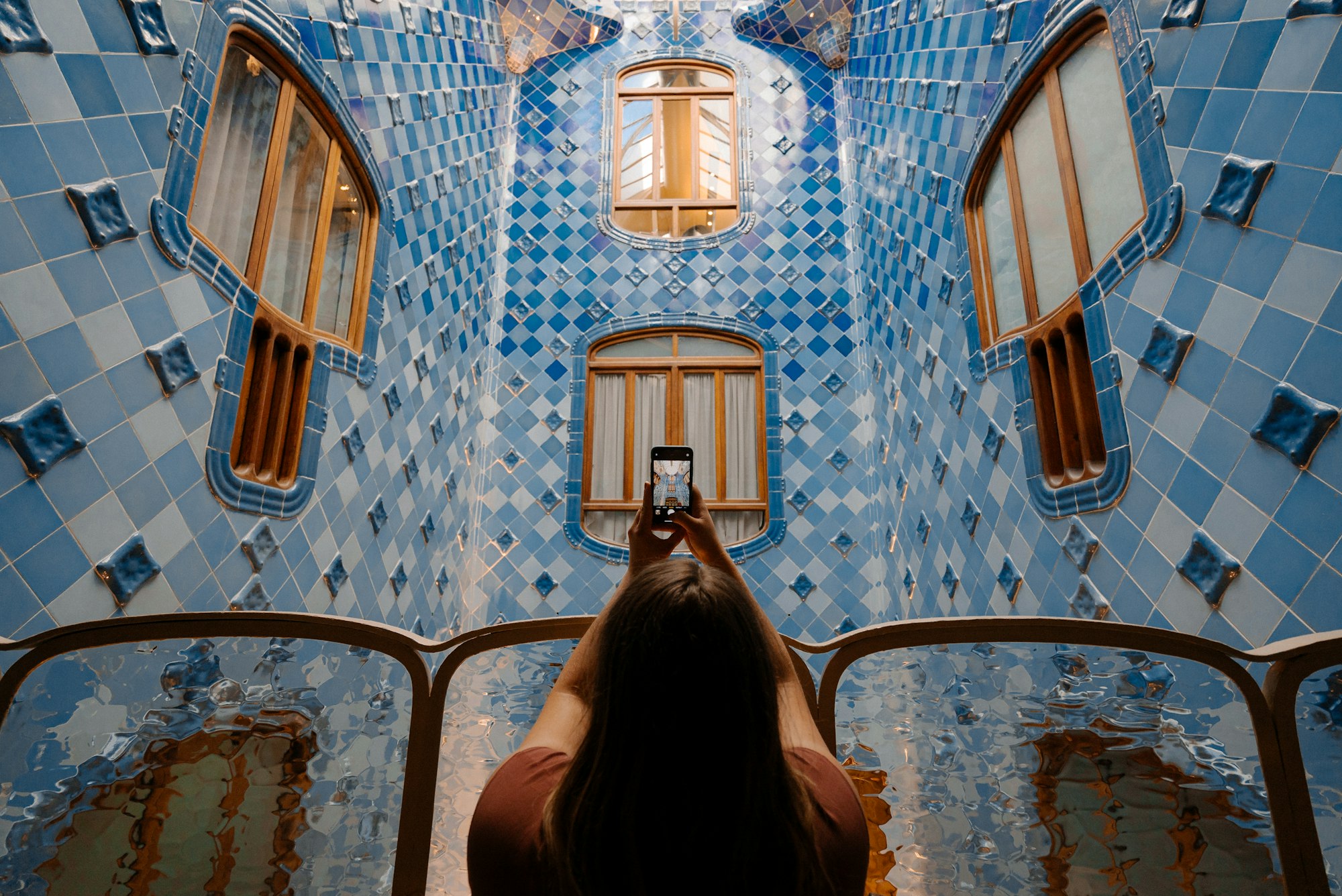
I’m the editor, the cutter and the management in one person — and everything happens on my phone. maebe is where my camera roll becomes a plan.
How Influencers & creators use maebe
Tools
Five tools turn your camera roll into a plan — all from your phone.
My content is born on my phone — and moves straight from the Photos app into maebe. Uploads keep running in the background, even when I close the app.
I batch my content: once a week I plan all posts ahead instead of falling into the daily posting hole.
I’ve taught maebe my tone — caption suggestions already roughly sound like me, and I only fine-tune.
Current collabs, my shop, the latest video: one hub, one link, always up to date.
maebe shows me from my own insights when my community actually reacts — that’s where I place my most important posts.
Features I use sparingly
Direct publishing
Trend sounds and native features I do myself — the app reminds me, media and caption are ready with one tap.
Approvals
Only needed for brand deals — the partner gets the post via a link and approves before anything goes live. Always looks professional.
Workflow
Sunday is content day: I upload the week from my camera roll into maebe — the app pulls everything through in the background while I cut in CapCut. Then I plan seven posts. The two most important go on my prime time slots. During the week the reminder pops up in the evening: media on my phone with one tap, caption in the clipboard, trend sound underneath — posting takes a minute. For my current brand deal, the draft went to the partner via a link first, approved with a PIN.
Recommended plan
Everything you need on your own: planning, direct publishing, AI in your voice, link in bio and the app for iPhone and Android — at the Solo price.
For solo creatives running their own feed.
All prices incl. VAT.
Keep reading
„My clients’ feeds were always in perfect shape — only my own sat empty for months. With maebe I now plan my portfolio on the side, right after the export.“
„With maebe I finally have one place to keep track of tour content, coordinate my team and plan single releases — without Dropbox, spreadsheets and WhatsApp back...“
maebe for influencers & creators
Batch your week, post at prime time — all from your phone.