
The big autumn update at maebe
Publishing, insights, comments and direct messages now belong to every paid plan. On top of that: a new interface, a reworked brand kit and sharper analytics.

With the autumn update, publishing, insights, comments and direct messages belong to every paid plan. Until recently you had to add Social Connect as a separate package. Today it sits inside the plan — with two accounts per team, from day one, including the trial.
That sounds like a pricing question. For us it was mostly a product question, and we'd like to tell it honestly here — along with everything else that arrived this autumn.
You can't judge an empty platform
Anyone looking at a social-media toolbox usually has little time and little patience. You create an account, click around, and within the first fifteen minutes you decide whether to stay or close the tab again.
For a content calendar, that moment is particularly unfair. A calendar is made of content, and content has to be brought in first. So anyone who really wants to see what the platform can do would have to upload material, set up projects, write posts and schedule dates — all for a toolbox they don't yet know they want to keep. What you see in those fifteen minutes instead is a tidy, well-meant, completely empty shell.
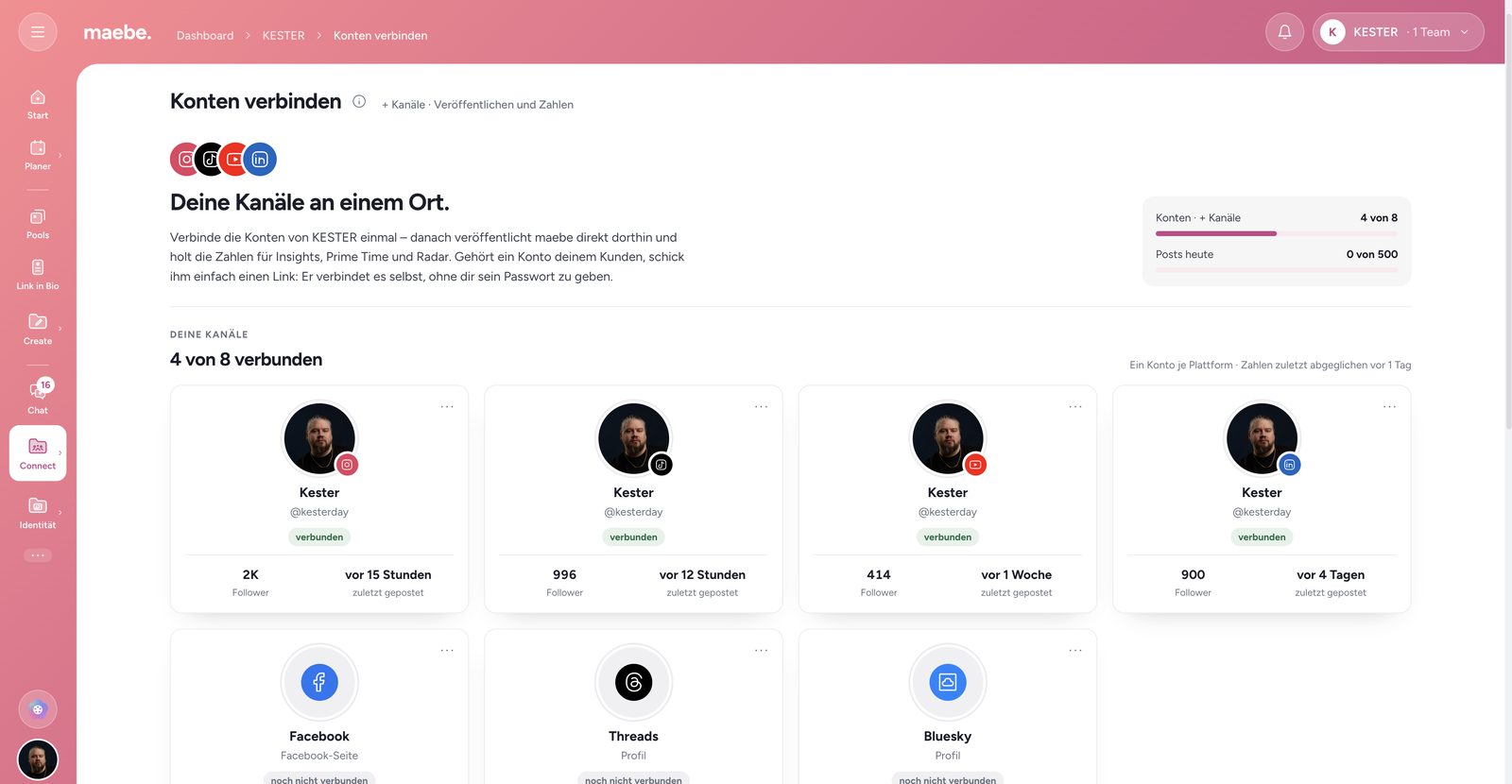
That is exactly what triggered the decision. As soon as your own channels are connected, you don't start from zero. Your numbers are there, the comments under your latest posts, the messages in the inbox. You still fill the calendar yourself — but part of the work is already done before the first post is written, and you can see on real content what the whole thing is for.
Posts being able to go out automatically at the scheduled time is part of it, of course, and for plenty of people it's the first reason to look at maebe at all. It still wasn't what tipped this decision. What tipped it is that you work with your own content from day one instead of placeholders.
What every paid plan now includes
Social Connect is the link to your channels. Three things hang off it, and since the autumn update they're included everywhere:
Publishing
Posts can be published automatically at the scheduled time — to Instagram, Facebook, Threads, TikTok, YouTube, LinkedIn, Pinterest and Bluesky, with first comment, collab and cover image wherever the platform allows it.

Insights
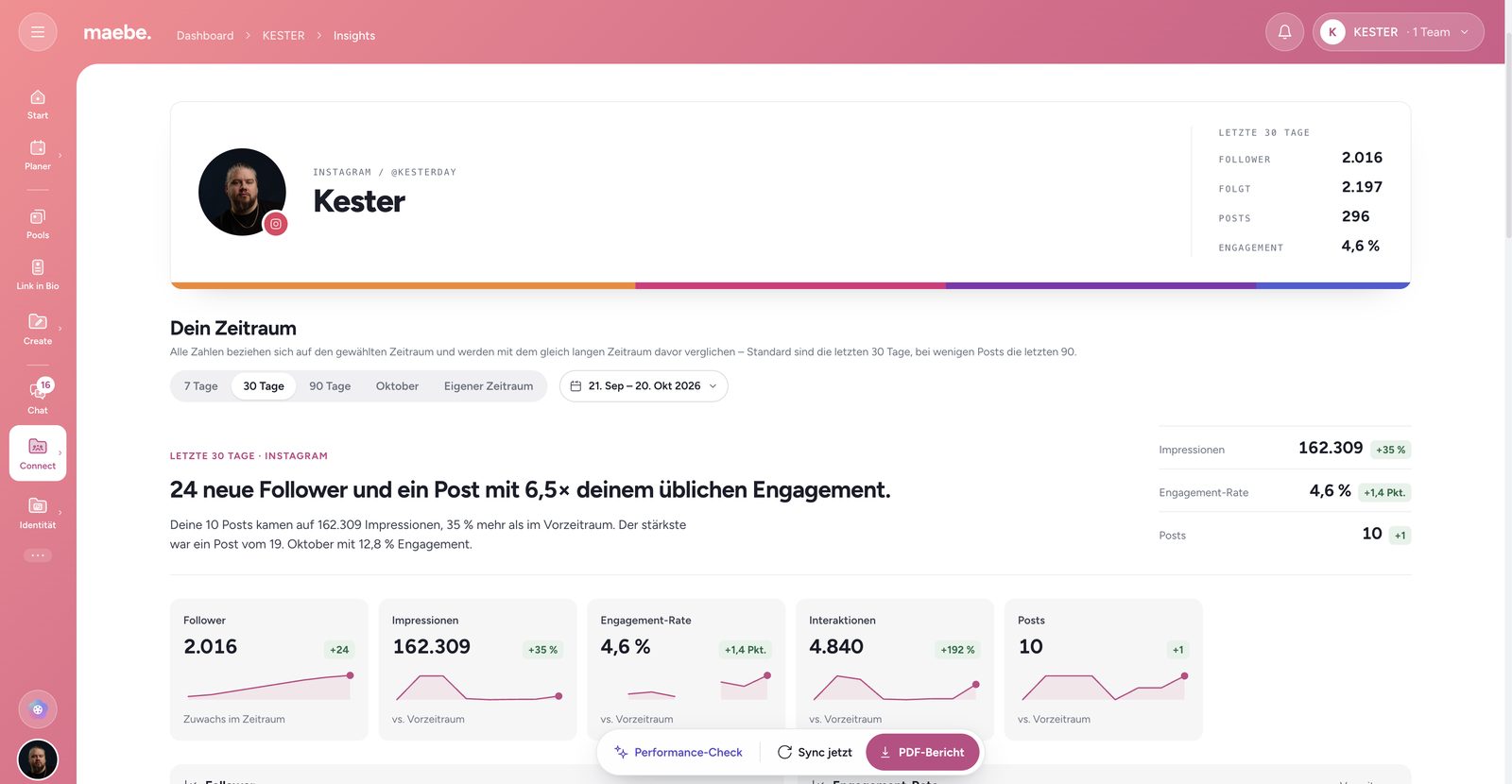
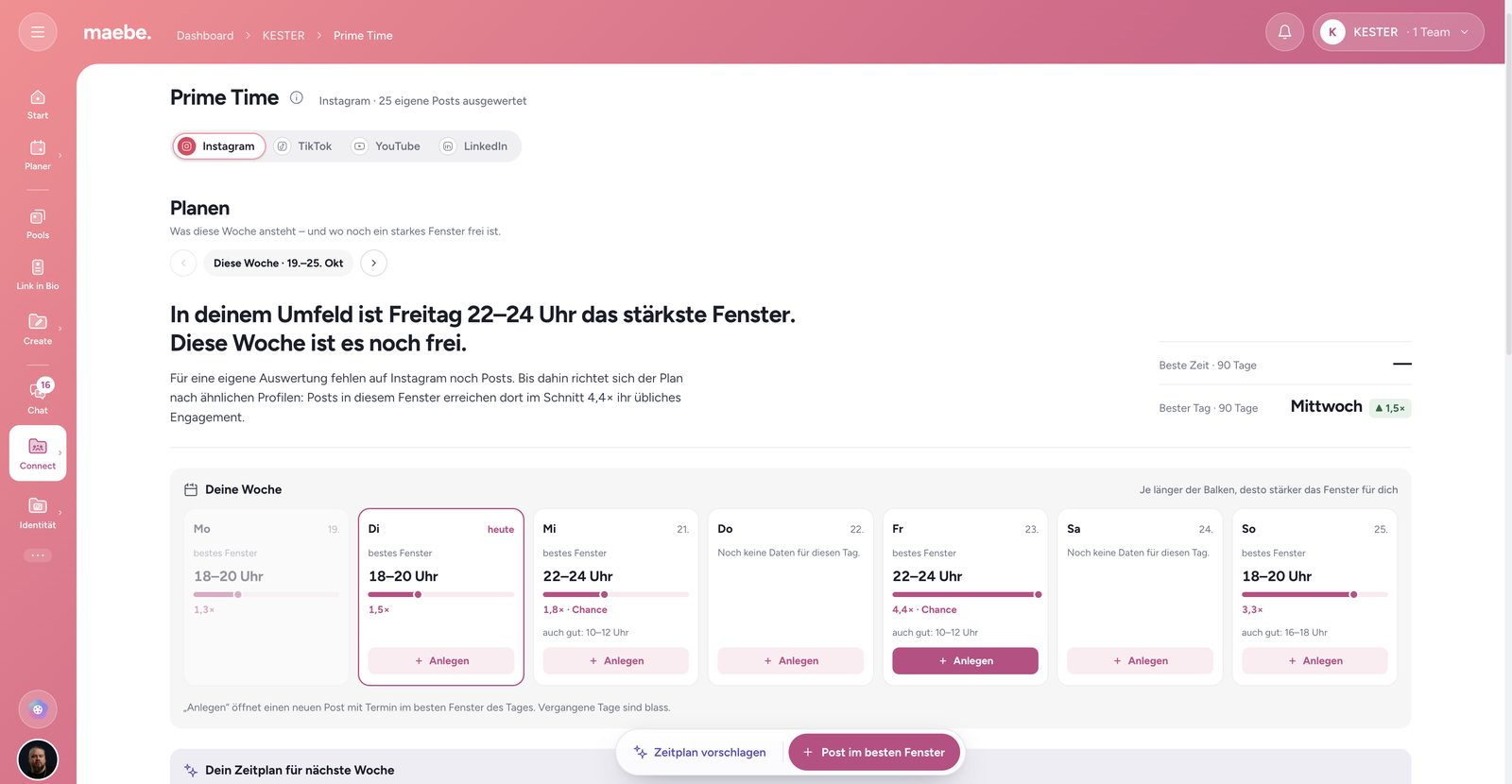
Reach, interactions and follower growth for your channels, plus a monthly report as a PDF and Prime Time, which shows you when your own posts actually perform.



Community
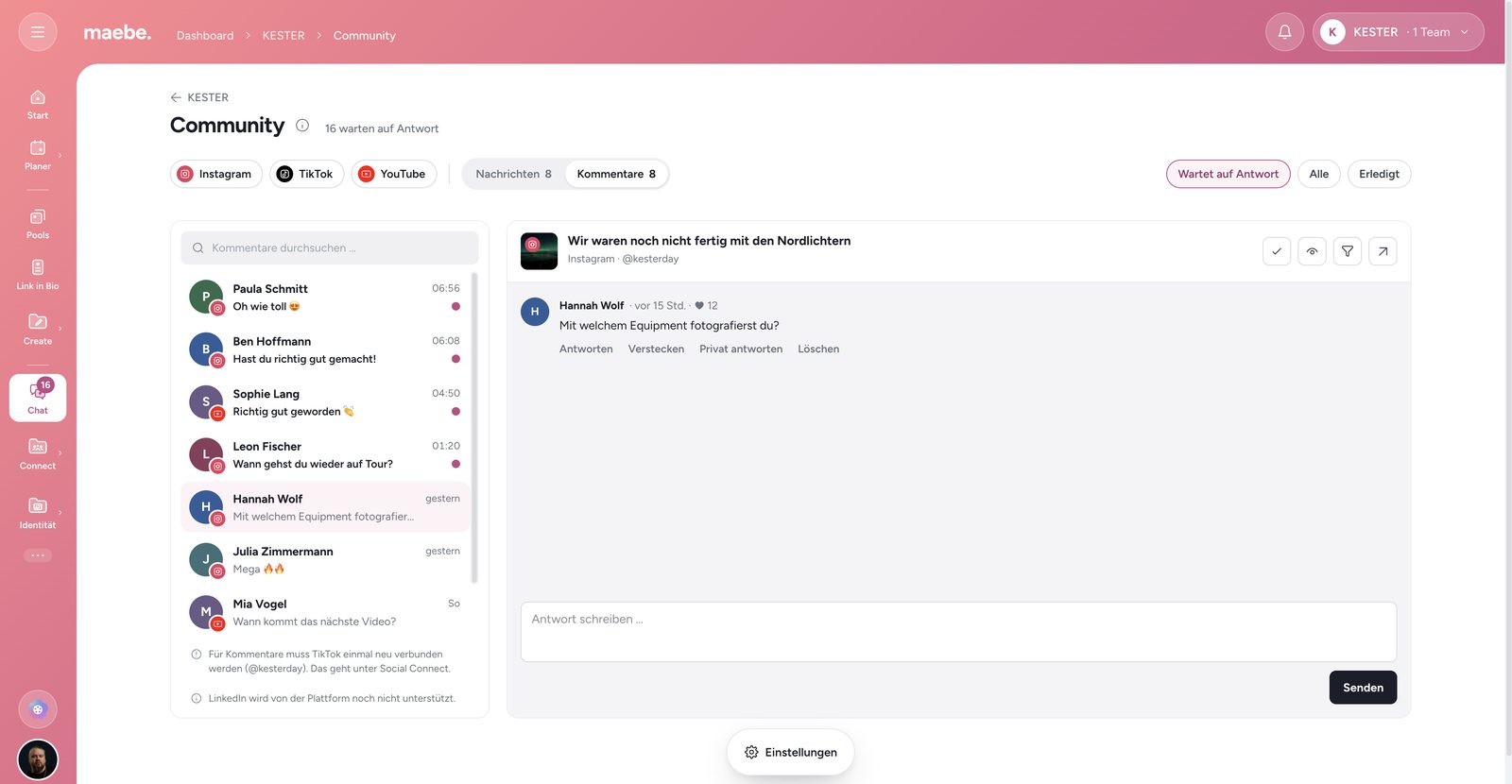
Comments from Instagram, Facebook, Threads and TikTok in one place, along with direct messages from Instagram and Facebook. Your whole team can reply, not only the person holding the login.
Each team connects two accounts. If you need more, the “+ Channels” add-on covers it.
A new face
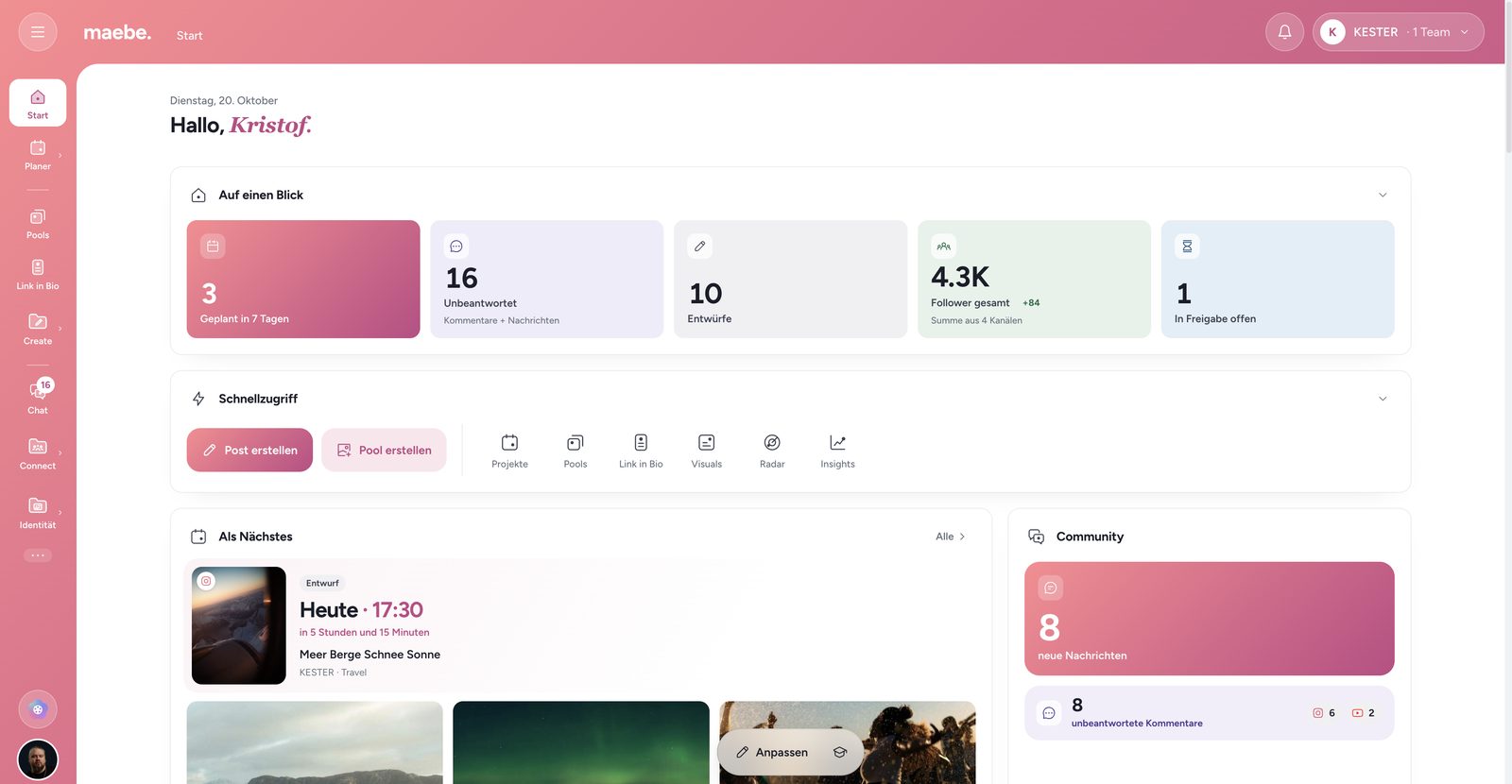
The autumn update was also a larger rework of the interface. Navigation now sits on the left as a narrow rail with labels, every page has exactly one header, and actions live in a floating bar at the bottom — always in the same place, instead of scattered across the page.
You arrange that rail yourself: areas you never use come out, the important ones move up. The order is yours personally, not the team's — someone who mostly handles approvals ends up with a different rail than someone editing video all day.
The dashboard, too, is made of modules you arrange yourself. If all you need is the plan for the next few days, you build it that way. If you work across several teams, you put the filter on top and see everything at once.
Brand kit and visuals
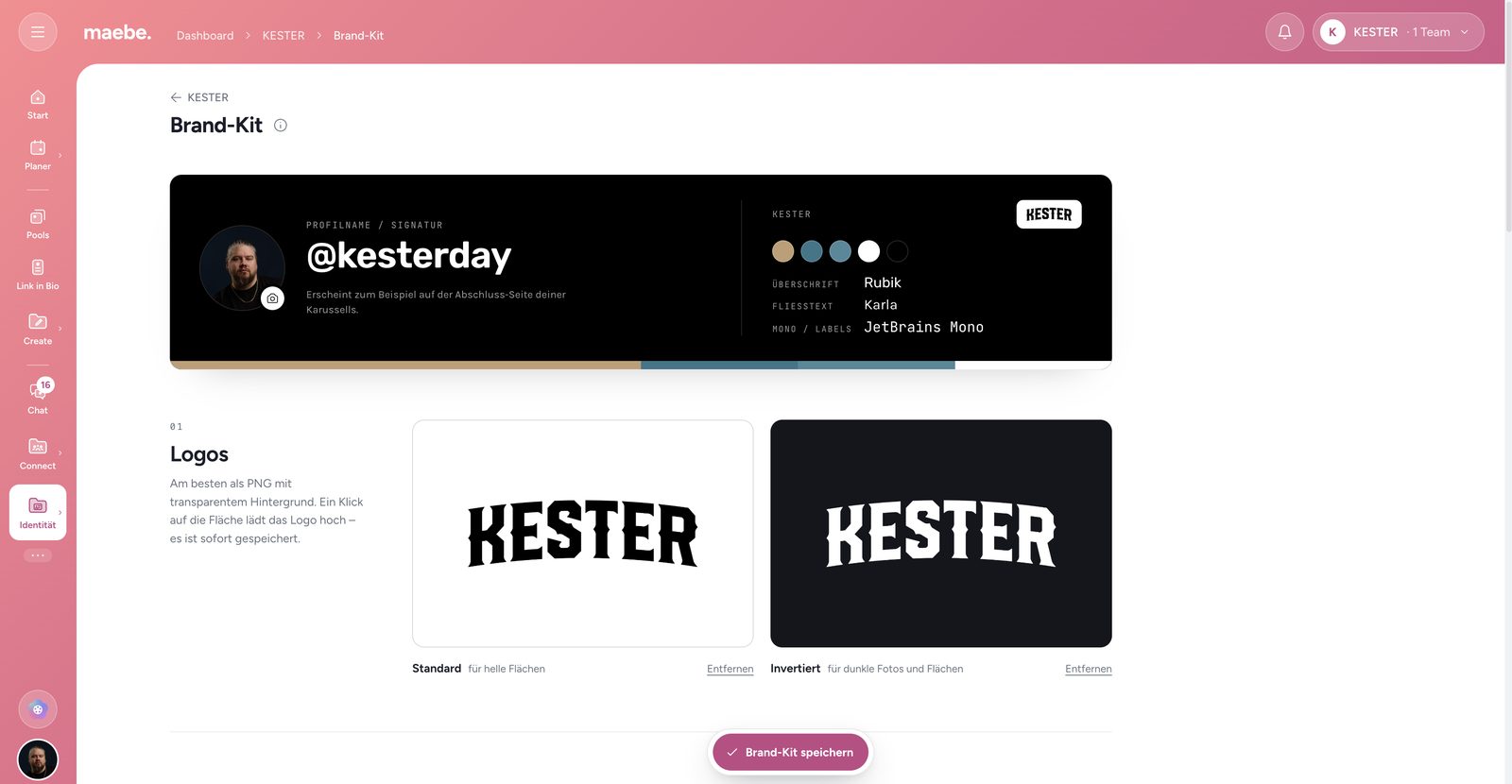
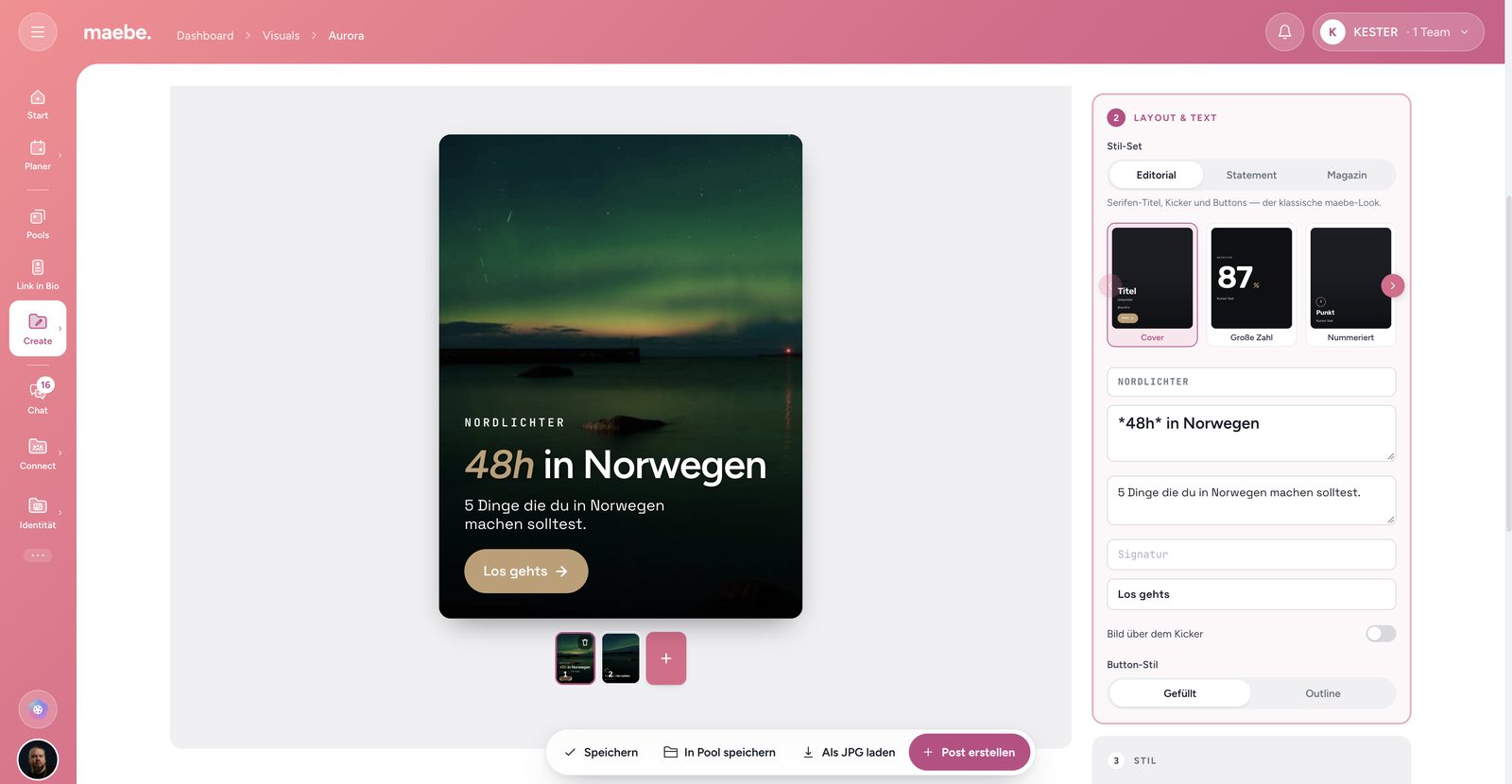
The brand kit is now a style-guide page of its own: colours, fonts and logos live in one place and serve from there as the template for the visuals editor and for the monthly Insights reports as a PDF. You maintain your brand once instead of setting it up again in every place.
The visuals editor comes with ready-made templates and follows the brand kit more closely than before — cover images and carousels look like you without being rebuilt from scratch each time.
Insights, Radar and Prime Time
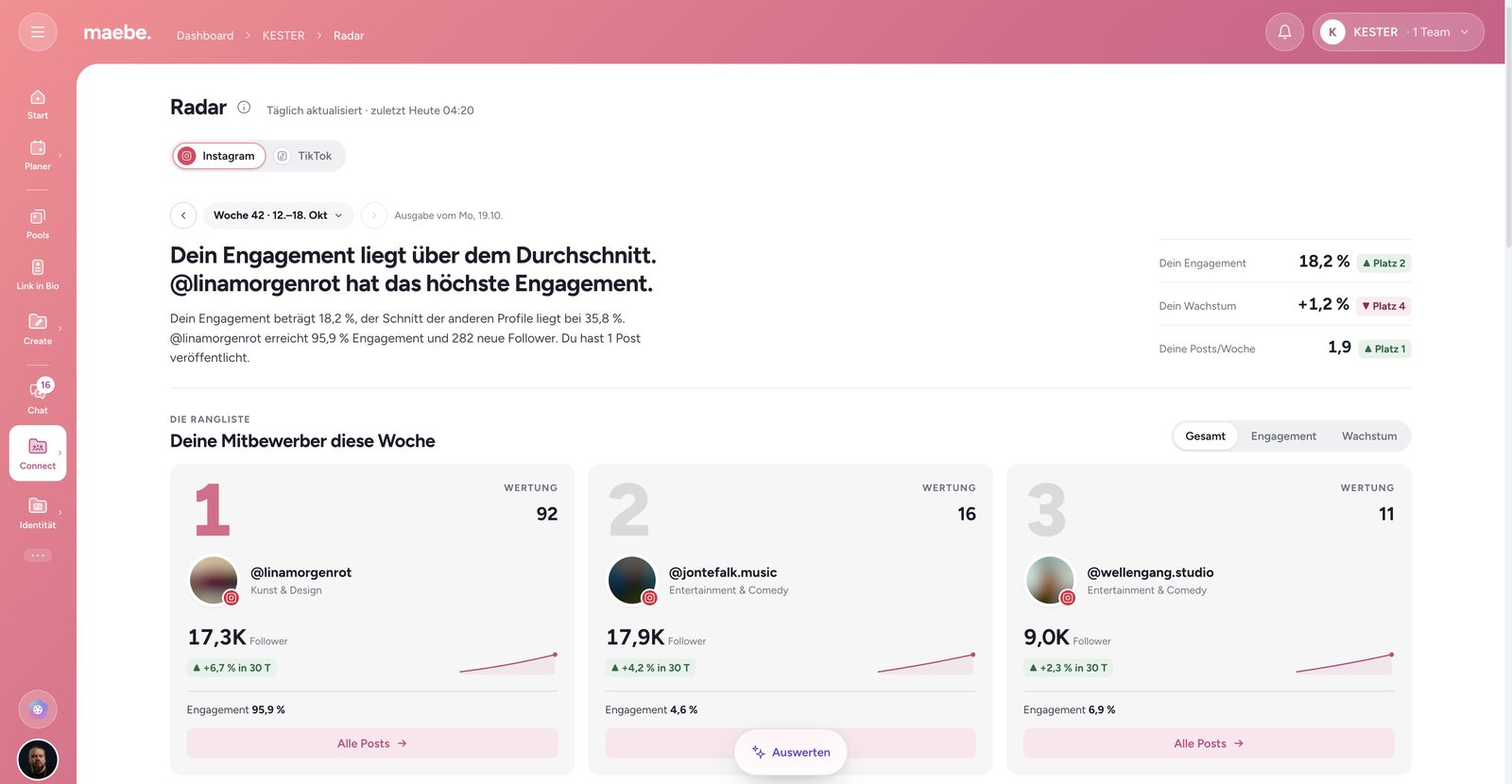
Insights holds more analysis than before. Radar shows more of what's happening around you — a weekly read of your position, a ranking, and the trend for each competitor. And Prime Time works out more precisely when your own posts perform, instead of repeating generic tables from the internet.
What it costs
Because Social Connect now sits inside the plan, the bill got simpler too: one price per plan, and what used to be an add-on is part of it.
The trial runs for 14 days, no credit card, and Social Connect is already switched on during it — otherwise the very part this article is about would be missing.
If you want to know how the individual areas work, that's in the help centre. And if something's missing for you, tell us — a good part of what arrived this autumn started out as a message.
This article was written with the help of AI. Research, claims and point of view were reviewed and are owned by Kristof.


